
Teach Claude to catch your data pitfalls
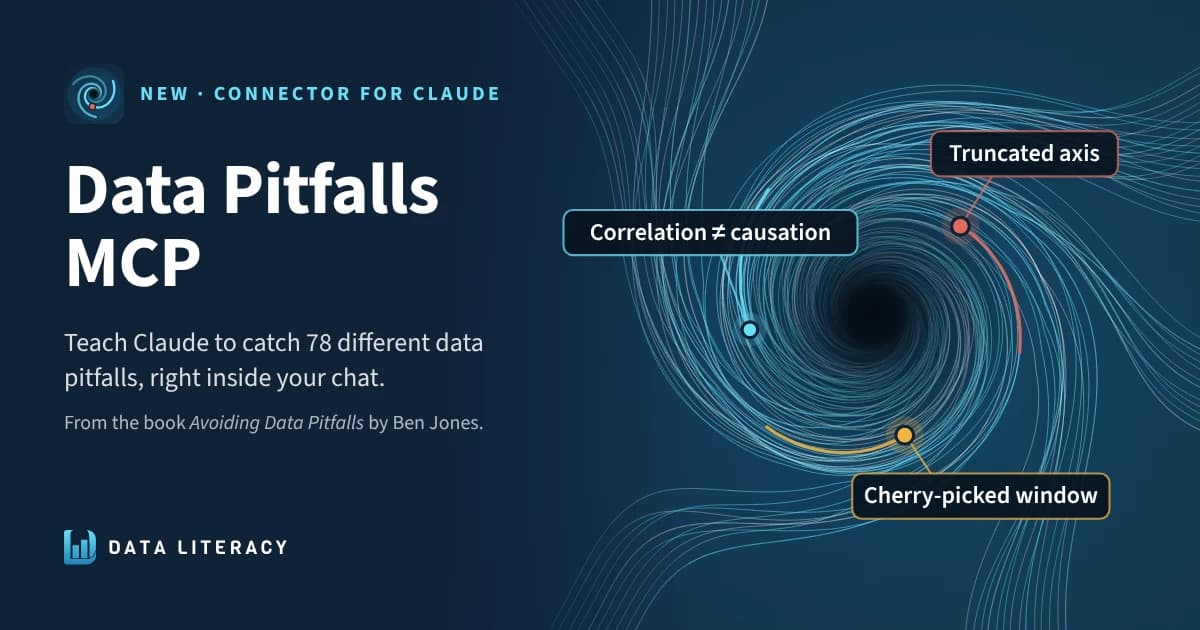
The Data Pitfalls connector is now in the Claude connector directory. Add it once, and Claude checks your charts, queries, dashboards and reports against the rules from Avoiding Data Pitfalls.
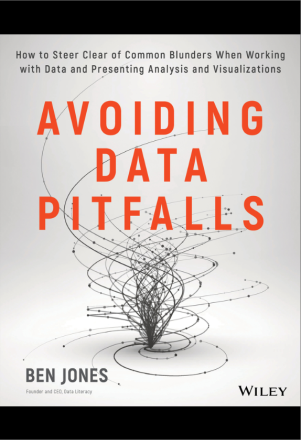
When I wrote Avoiding Data Pitfalls (Wiley, 2019), I wanted to give people a map of the mistakes we all make with data, so they could spot them before they cost something. Truncated axes. Averages that hide the story. Correlations dressed up as causes. Data that doesn't match the reality it claims to describe.
A lot of data work now happens alongside an AI assistant. So I asked a simple question: what if the assistant you already use knew the pitfalls too, and checked for them every time you asked? Today I'm launching the Data Pitfalls connector for Claude. It sits alongside a command-line tool on npm and the Pitfall Detector in the Data Literacy Lab, and all three draw on the same taxonomy: 78 data pitfalls across eight domains, taken from the book.
The Data Pitfalls connector for Claude
The connector puts the whole pitfalls checklist inside Claude. Ask Claude to review a chart, a SQL query, a dashboard or an analysis write-up, and it pulls the rules for that kind of work, checks each one against what you shared, and reports what it found. Every finding names the pitfall, explains why it matters, and suggests a fix.
Here's the kind of thing it catches. Share a quarterly sales chart for a board deck and Claude might flag a truncated Y-axis: the bars start at $40M, so Q4 looks three times taller than Q1 for a 12% gain. It might also flag a cherry-picked chart window, since four quarters alone can't show whether Q4 is just seasonal.
A few things I care about, and built in on purpose:
- It's free, with no sign-in and no API key. The connector doesn't run anything on your work and never sees your data. It hands Claude the rules, and Claude does the checking in your own chat.
- It works where you already work. That means claude.ai, the Claude apps, and Claude Code.
- It gives a real review, not a vague warning. Claude gives an overall verdict, a short summary, and findings ranked by how much they change your takeaway.
Pair it with Claude Dashboards
The connector also works alongside the newly launched Claude Dashboards. Build a dashboard on your own data, then ask Claude to check it for data pitfalls before you share it. Claude reviews each chart and also looks across them for problems that only show up together, like inconsistent scales or colors that mean different things on different charts. I tried it on a dashboard of my own during testing, and it's become my favorite way to use the connector.
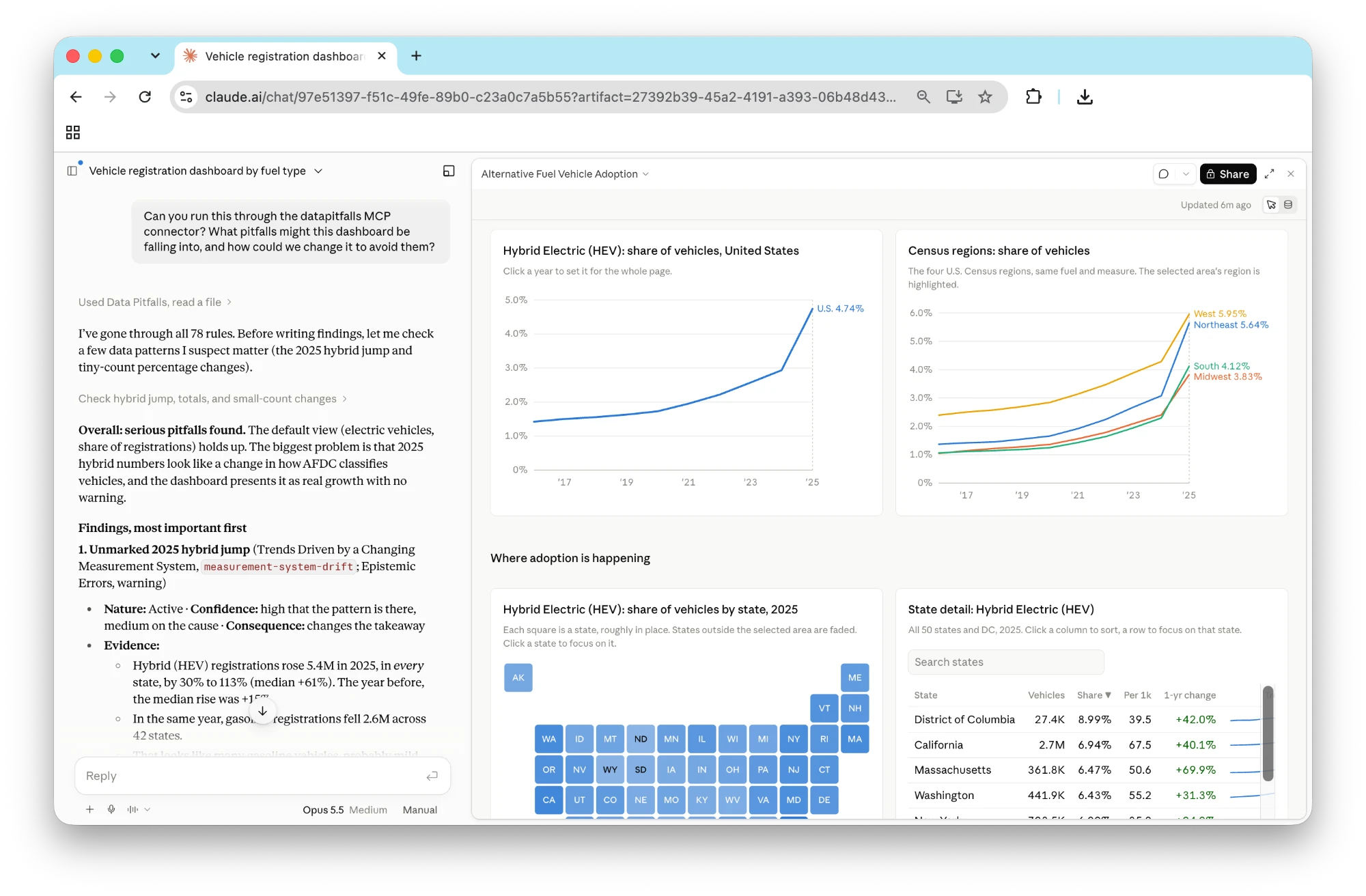
How to add it in claude.ai
- Open Settings → Connectors, choose Discover, and search for Data Pitfalls.
- Choose Connect. There's no sign-in.
- In any chat, ask: "Check this chart for data pitfalls."

You can also add it as a custom connector with this URL: https://www.avoidingdatapitfalls.com/api/mcp. The setup guide has more detail.
For developers: Claude Code, the CLI and the npm package
If you live in a terminal, the same connector runs locally. One command adds it to Claude Code:
claude mcp add datapitfalls -- npx -y datapitfalls mcpThen ask Claude Code to "review this SQL for data pitfalls," or use the built-in review_for_pitfalls prompt. This works with other MCP clients too.
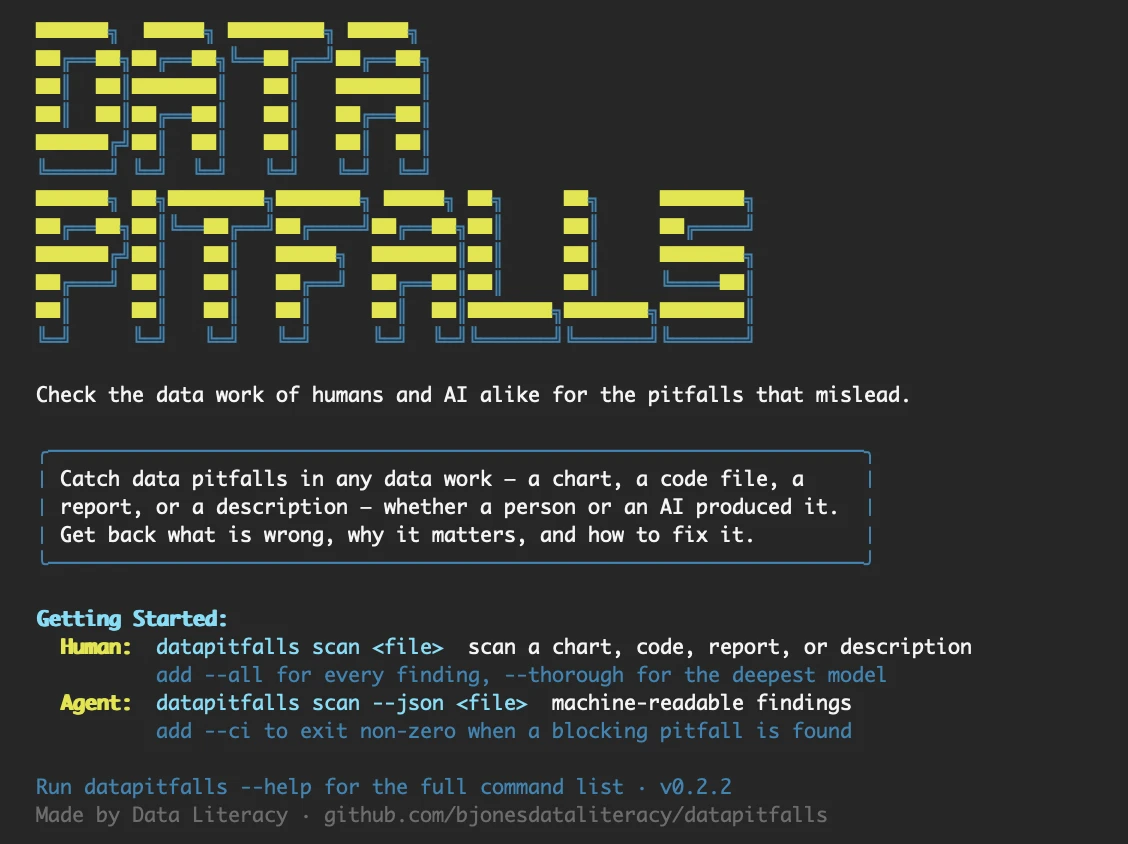
The datapitfalls package on npm also includes a standalone scanner. It reads a chart image, a code file, a PDF, Word or PowerPoint document, or a plain-English description of an analysis, and reports what's wrong, why it matters and how to fix it:
npx datapitfalls scan ./chart.pngThe scanner runs on your own Anthropic API key, so it fits into scripts, CI pipelines and coding agents. Add --json for machine-readable findings, or --ci to fail a build when a blocking pitfall turns up. The code is open source on GitHub under the MIT license.
For Data Literacy Pro members: the Pitfall Detector in the Lab
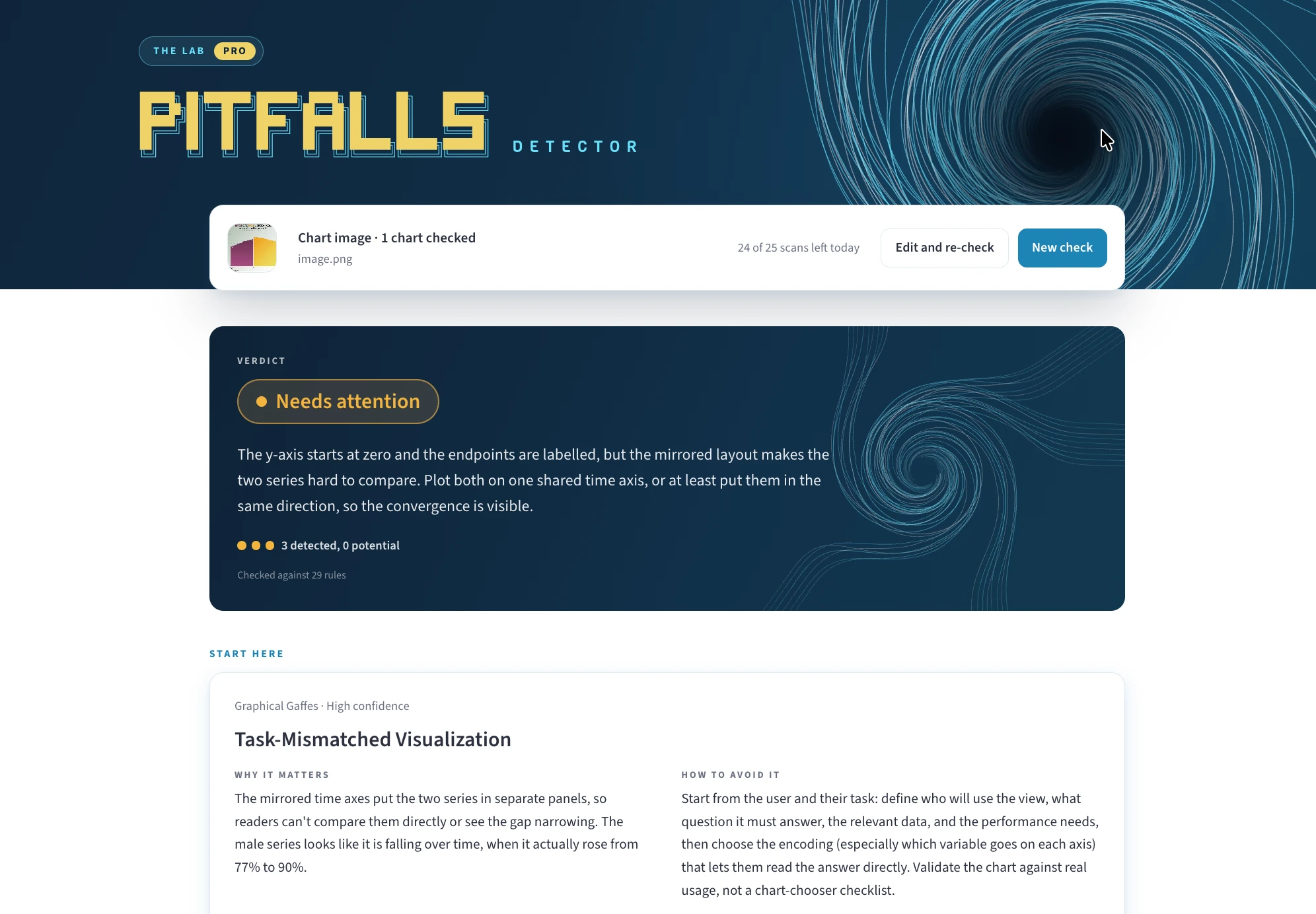
The connector is a checklist that Claude applies for you. If you want a finished reviewer's report without setting anything up, that's what the Pitfall Detector in the Data Literacy Lab is for. It's included with a Data Literacy Pro account.
Upload a chart, a slide deck, some code or a write-up, and the detector sends back a report the way I'd review your work myself:
- A verdict on whether the work is ready to share.
- The one thing to fix first, so you know where to start.
- What you already did well, because good reviews say that too.
It can check up to four charts together, which catches the pitfalls that only show up across charts, like mismatched scales on a dashboard. The Lab also has sample reports on real published charts, so you can see what a review looks like before you run your own.
Data Literacy Pro is $29 a month or $290 a year. Along with the Pitfall Detector, it includes our full on-demand course library, the AI Coach, and the AI Tutor on every lesson, with a 7-day money-back guarantee. See the Pro plan.
Where it all comes from: the book
Every rule Claude cites traces back to Avoiding Data Pitfalls: How to Steer Clear of Common Blunders When Working with Data and Presenting Analysis and Visualizations (Wiley, 2019). The book tells the stories behind the pitfalls: how they happen, why smart people fall into them, and how to climb back out. The connector can tell you that your axis is truncated. The book helps you build the instinct to notice it on your own.
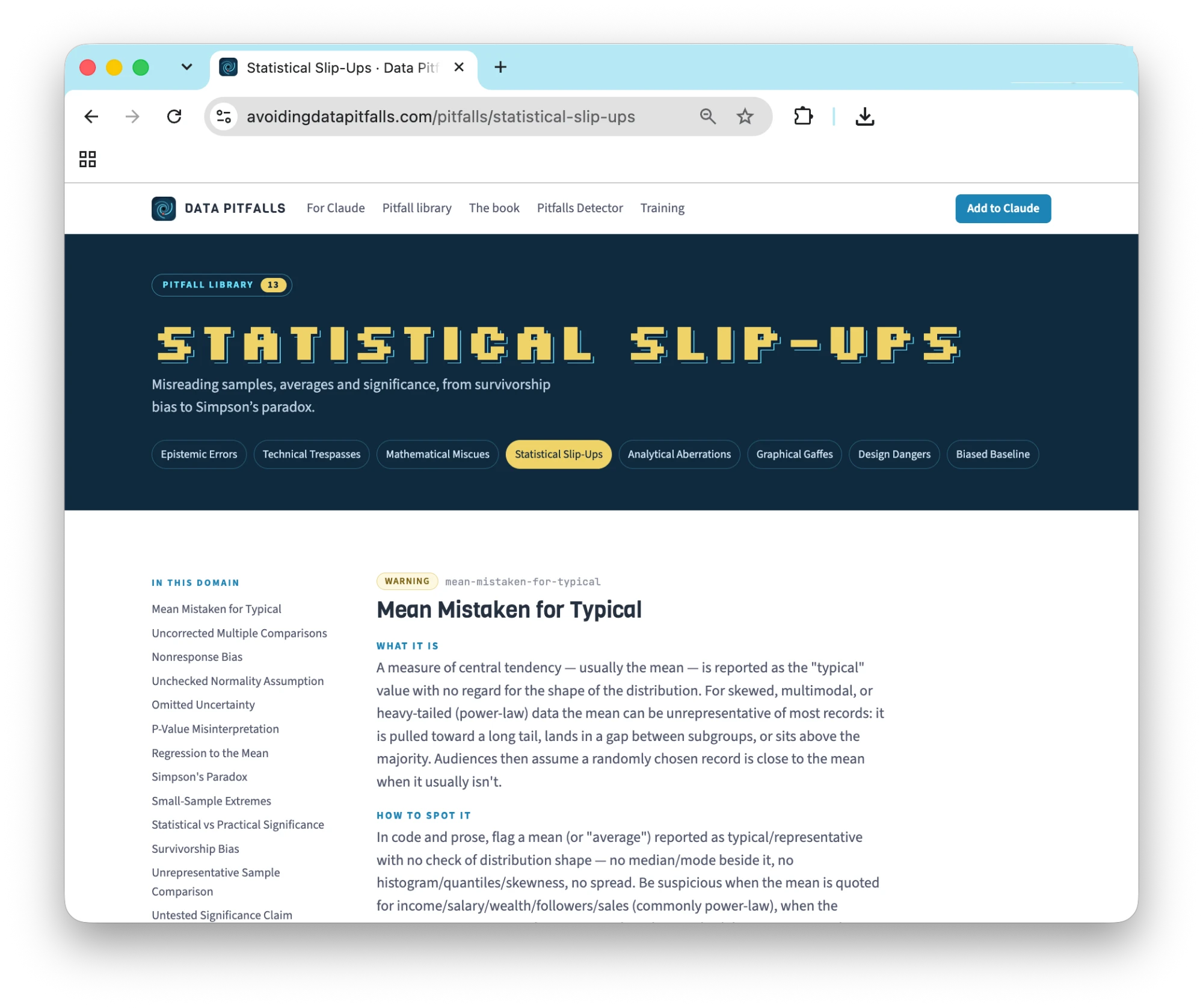
You can browse all 78 pitfalls for free at avoidingdatapitfalls.com. Each entry explains the pitfall, shows an example done badly and done well, and says how to fix it.
A quick note on licensing. The code is MIT licensed, and the pitfall rules are licensed CC BY-NC 4.0. That means you're free to use them at work, every day. If you'd like to sell them or build them into a paid product or course, get in touch about a license.
Try it today
- Add the connector in Claude: Settings → Connectors → Discover → search "Data Pitfalls."
- Use it in Claude Code:
claude mcp add datapitfalls -- npx -y datapitfalls mcp - Get a full review in the Lab: the Pitfall Detector, for Data Literacy Pro members.
- Read the book: Avoiding Data Pitfalls on Amazon.
- Get the free checklist: every pitfall as a one-line check, at avoidingdatapitfalls.com/checklist.
If you'd like your team trained on spotting these pitfalls, take a look at our workshops. And when Claude catches something interesting in your work, I'd love to hear about it.
Ben Jones, Data Literacy
Enjoyed this post?
Get new posts and practical ideas for working with data and AI in your inbox.
Training your team on this?
Live workshops led by Ben Jones and on-demand courses with an AI Coach, for teams of 10 or more.
See team training optionsKeep learning
Explore the full library of data and AI literacy courses, with an AI Coach to guide you.
Browse courses